Dead County
A downloadable game
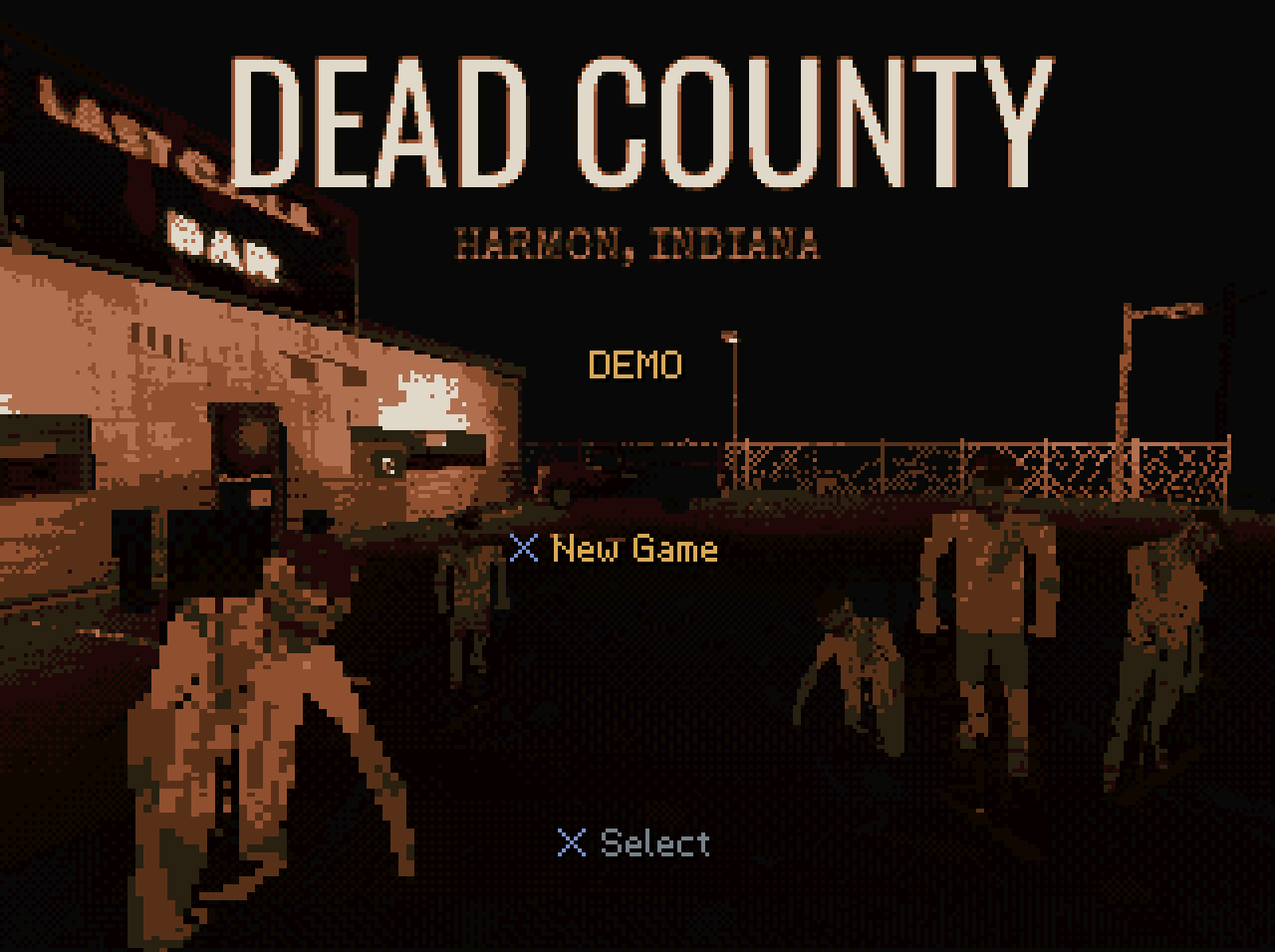
Harmon, Indiana. October 1998.
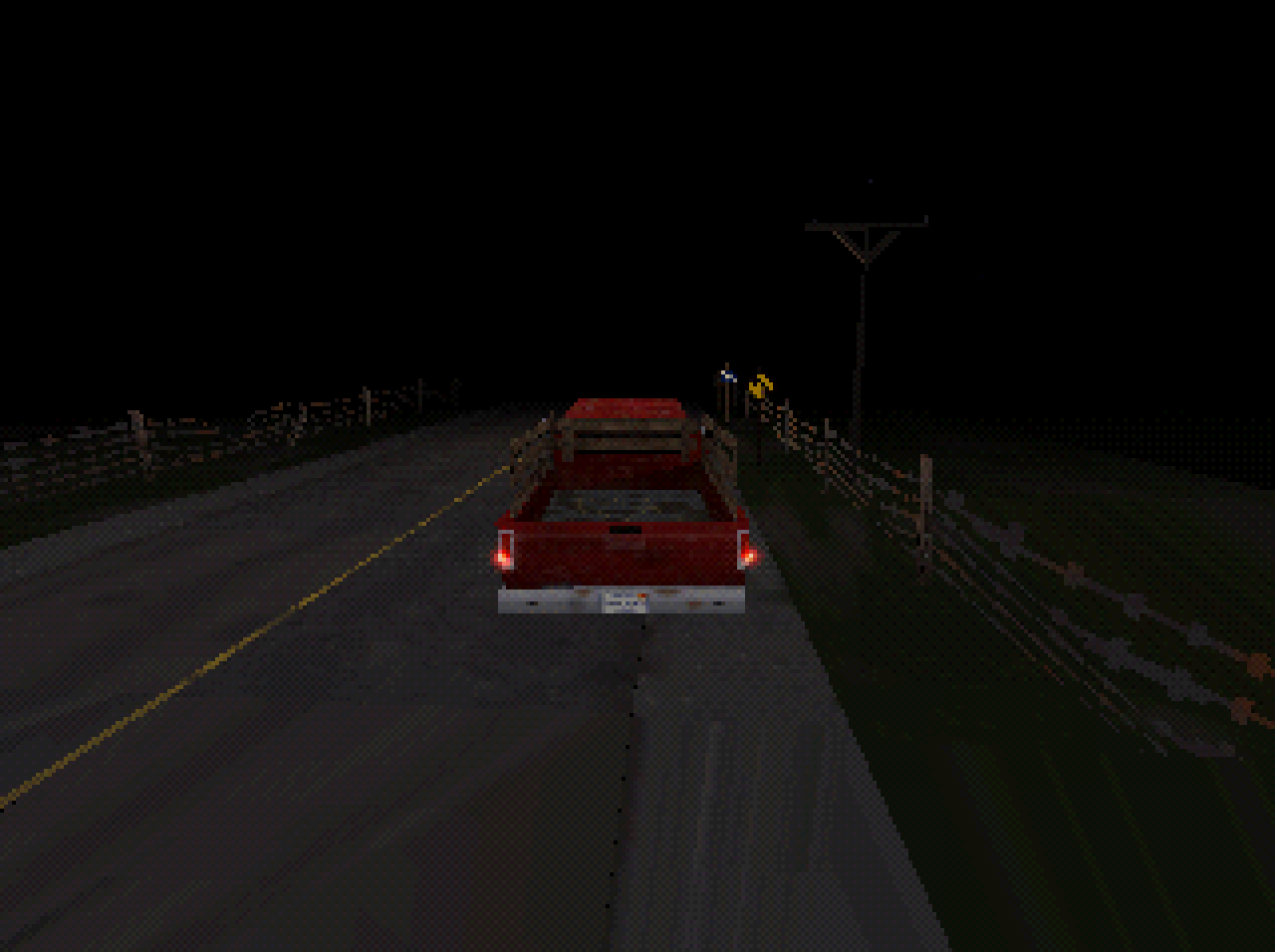
It's 11:48 PM on County Road 9. You're driving home. A man is standing in the road, and you don't stop in time.
He gets up.
This is a demo of a survival horror game built for the original PlayStation, in the style of the Resident Evil games that ran on it. It is not a modern game with a filter over it. It is a real PlayStation program: 2 MB of RAM, fixed-point maths, dithering, texture warping, black fog, and a CD image that boots on the console.
WHAT YOU PLAY
One night, about ten minutes.
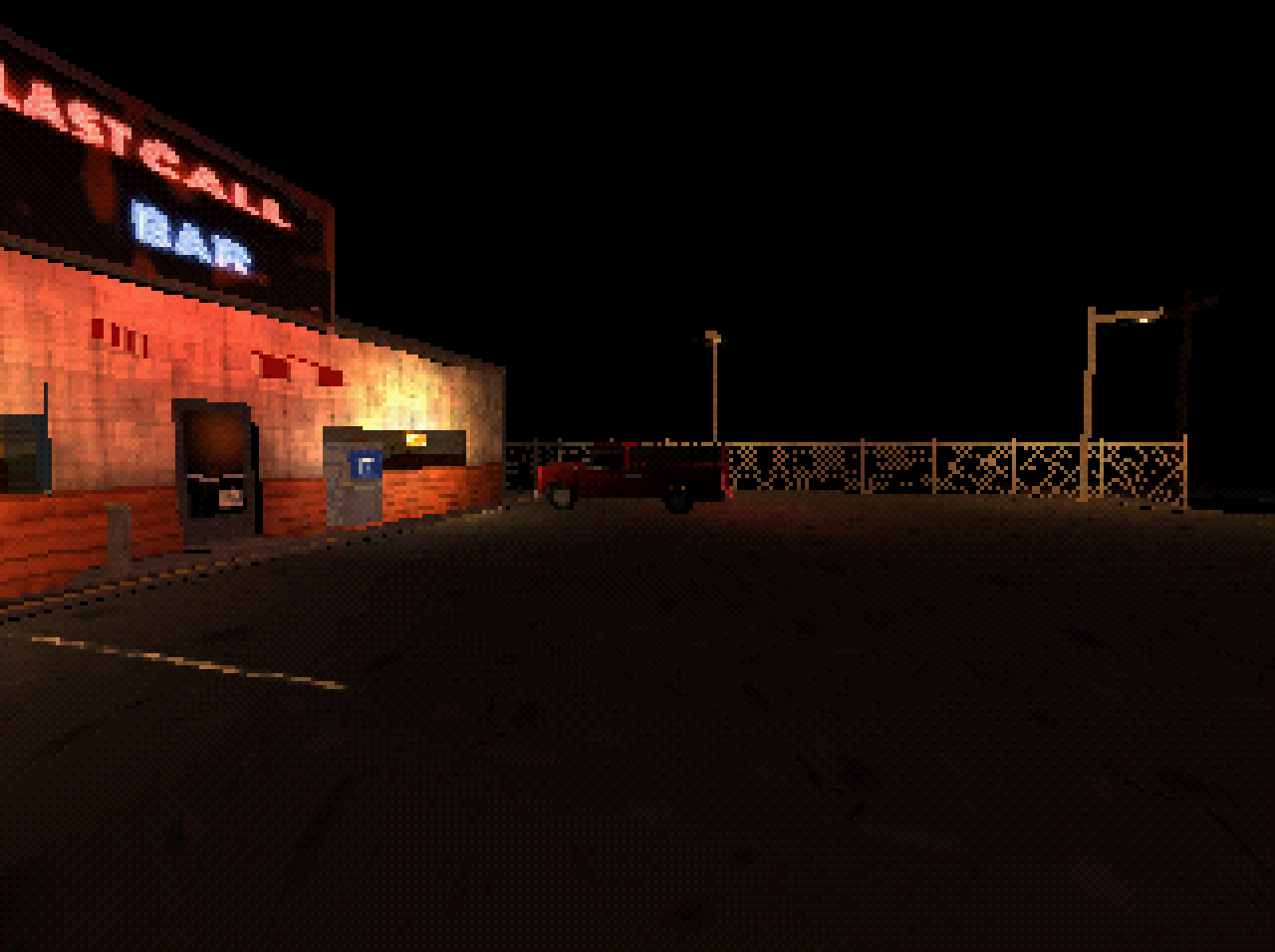
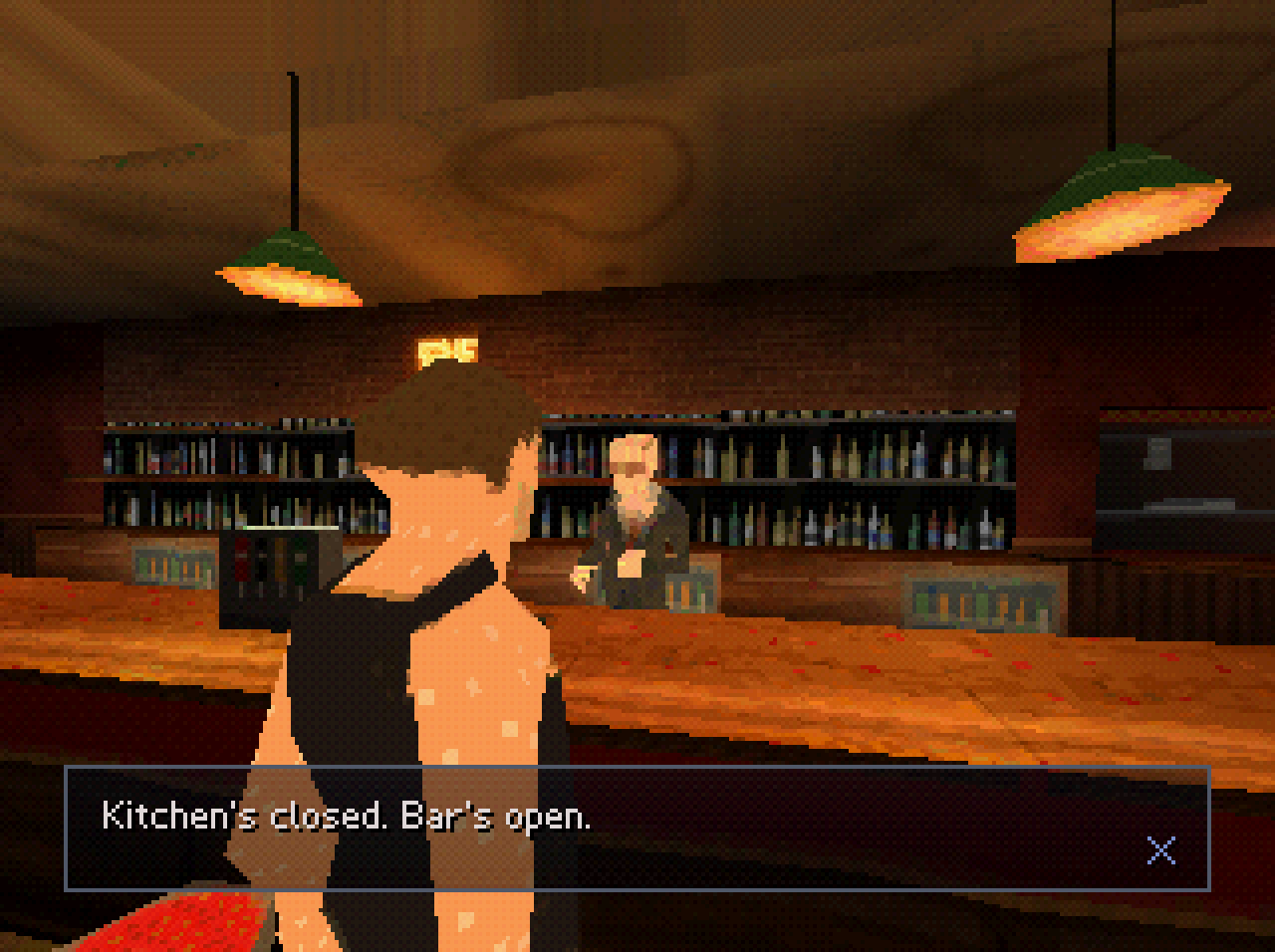
Drive the pickup down County Road 9 and find out the hard way that something is wrong. Pull into the lot of the Last Call, a dive bar with the neon still on.
WHAT IS IN IT
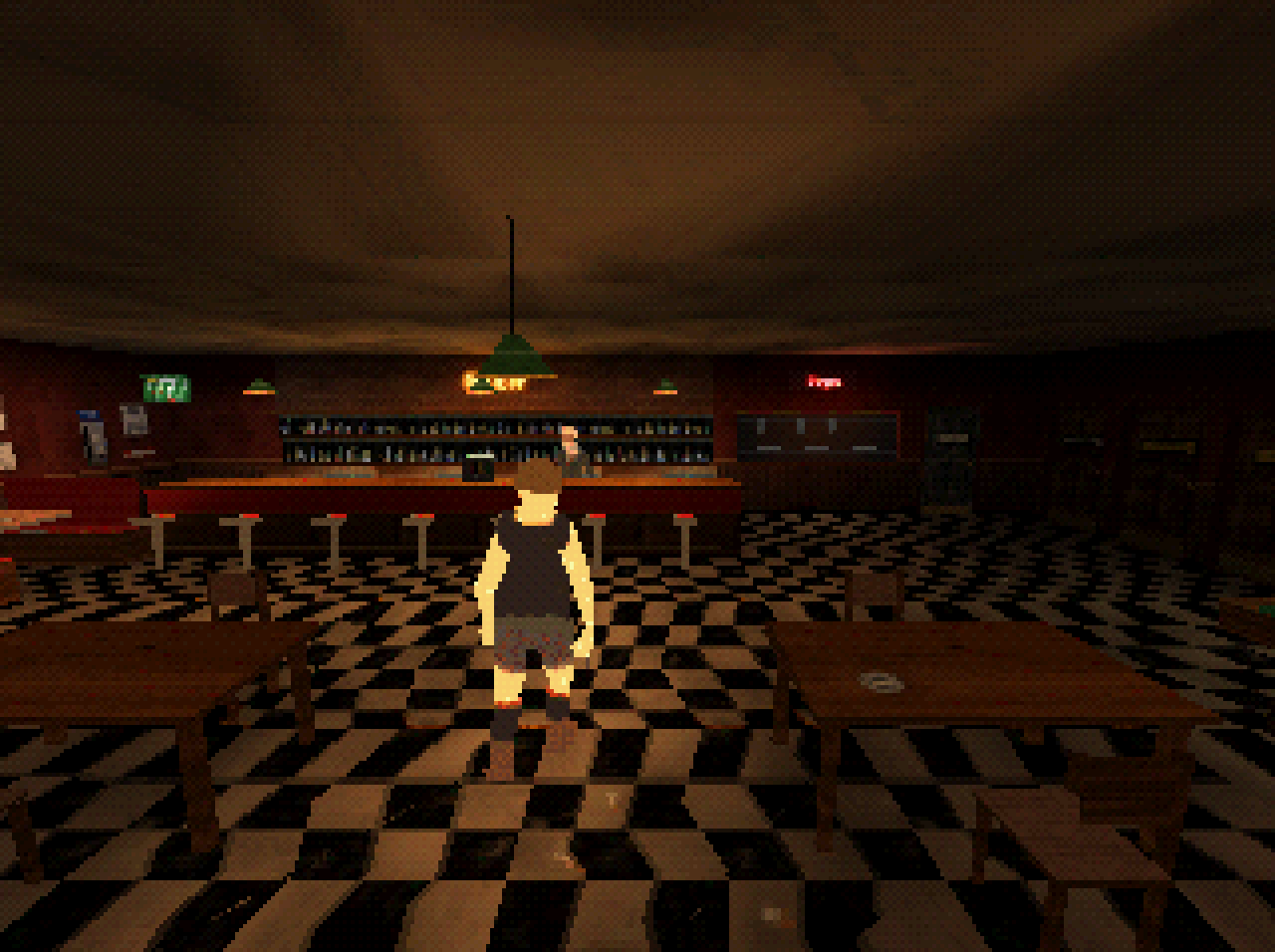
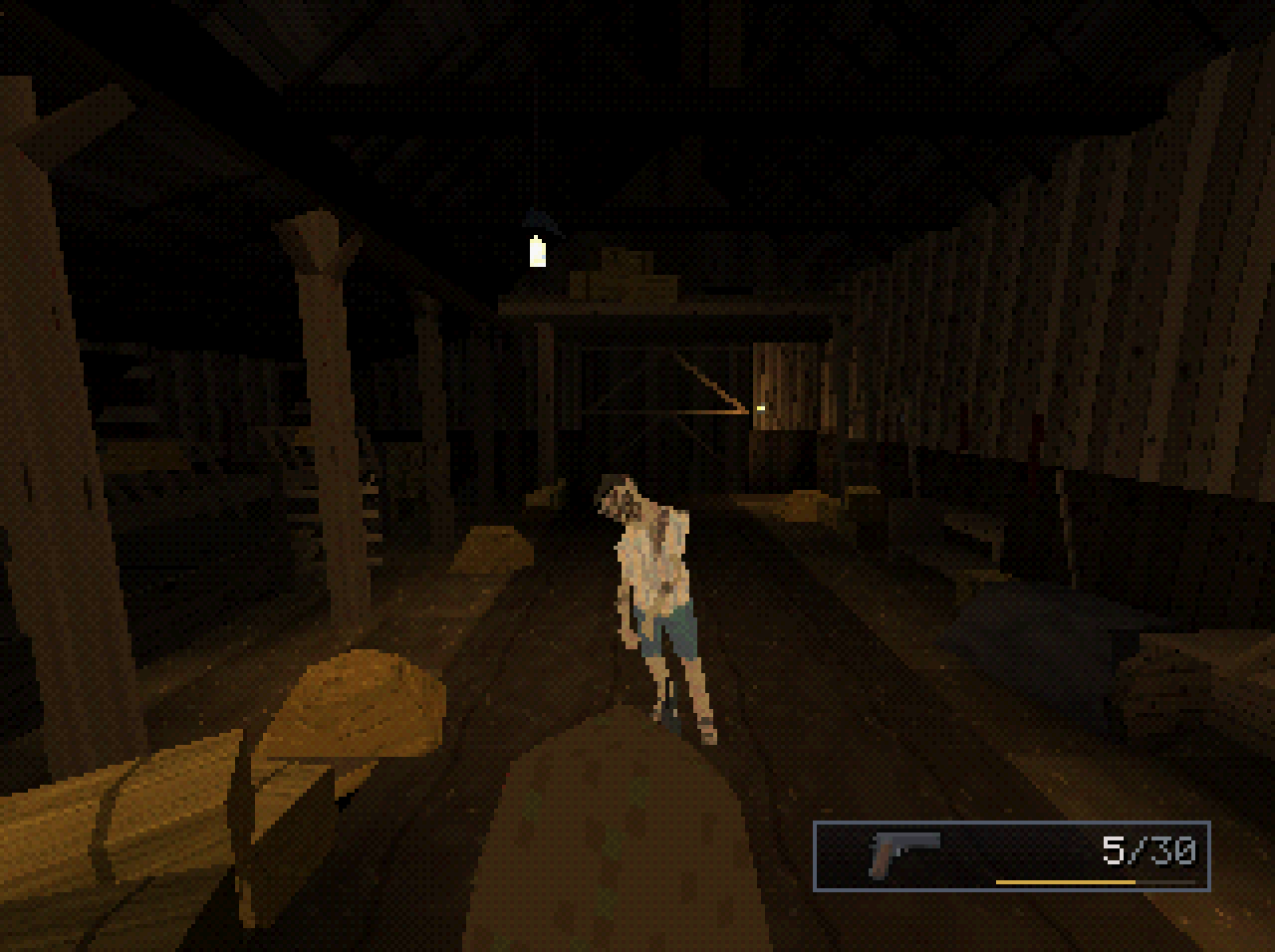
Over-the-shoulder survival horror. Walk, run, aim and fire. Aiming slows you down. Every shot is a decision.
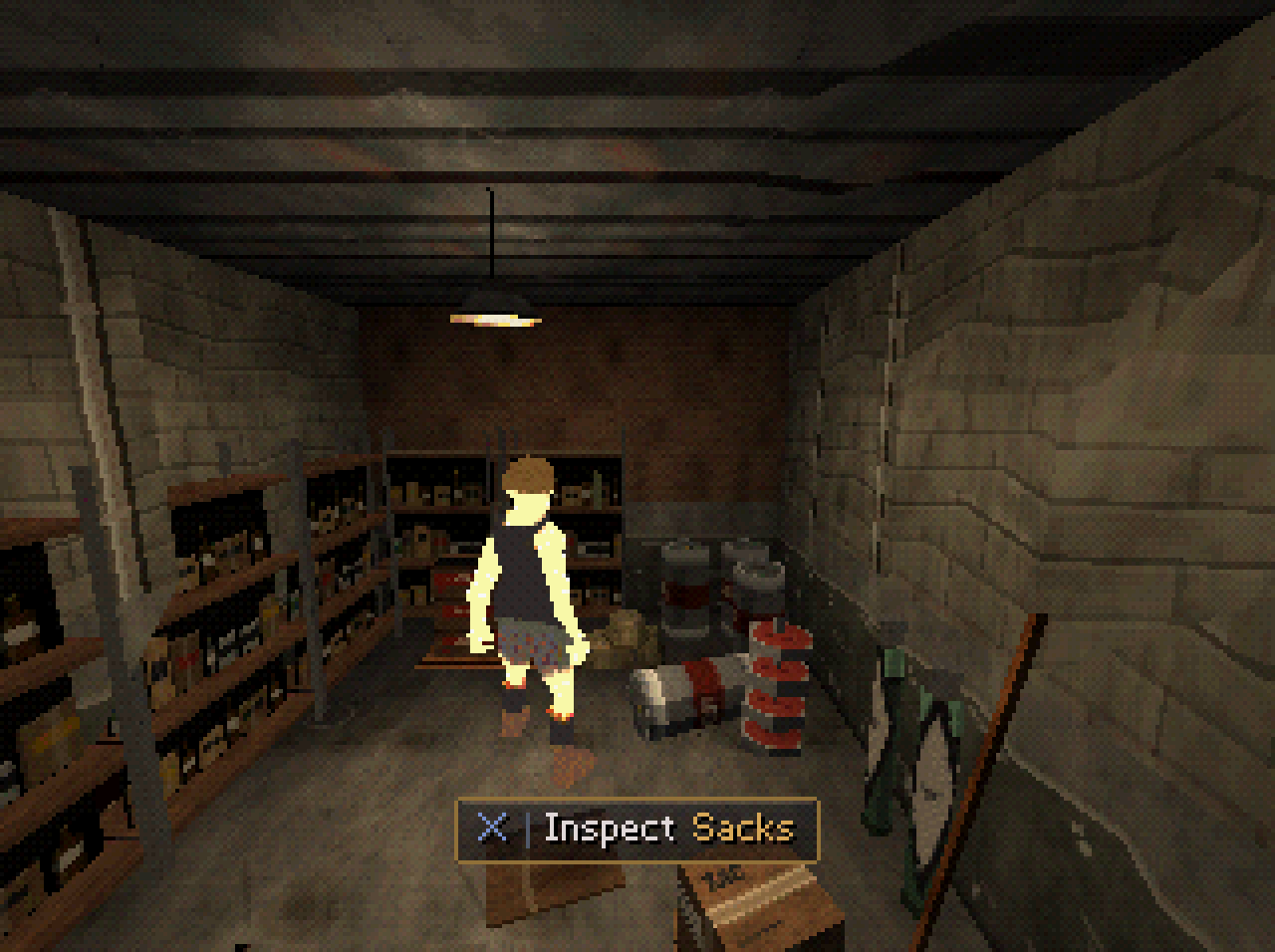
A place, not a level. A painted parking lot, a dive bar with a pool table and a jukebox, a cellar of kegs and cases, a country road, a farmyard at night and a barn. Things you can inspect almost everywhere.
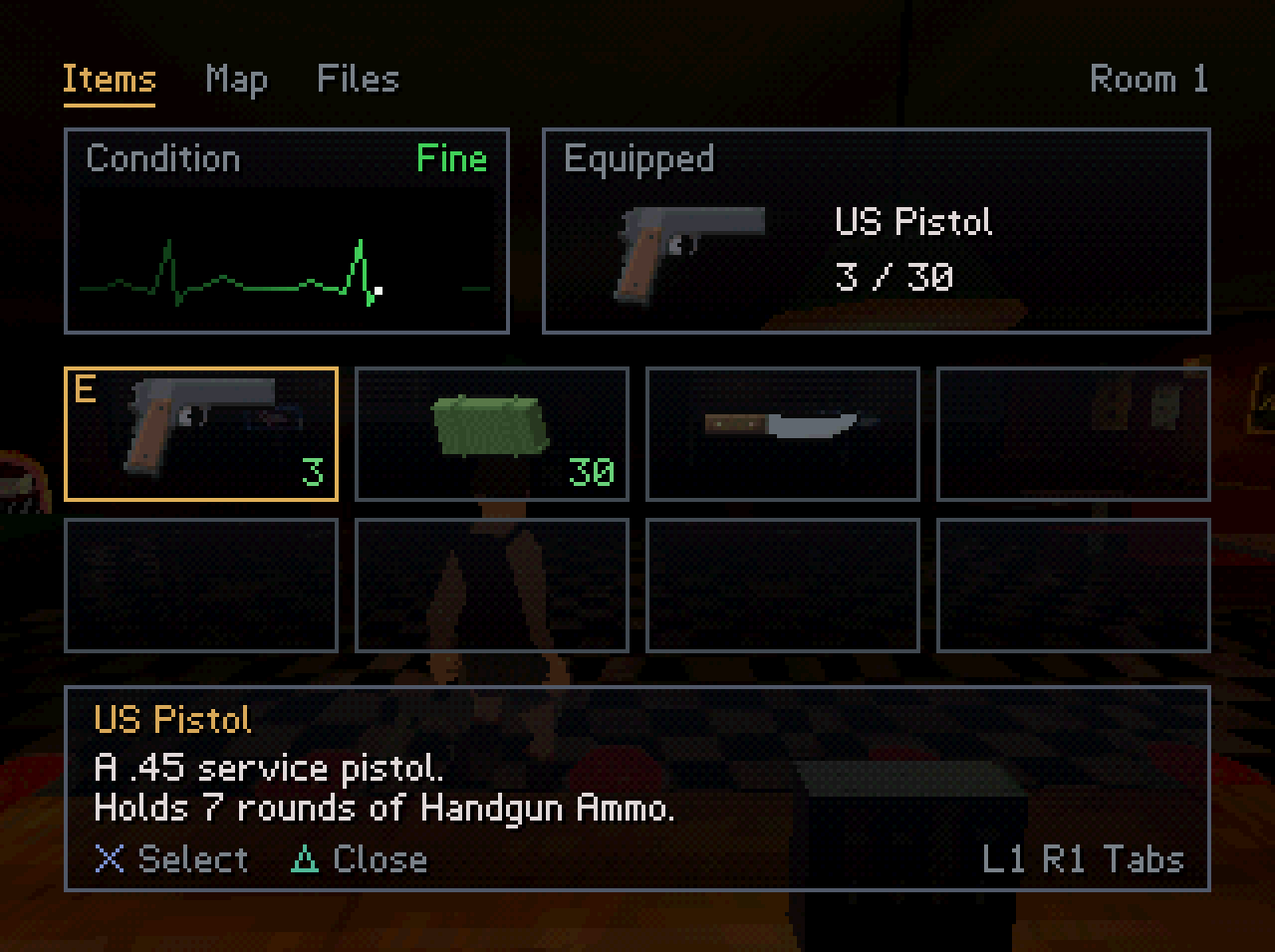
Inventory, item box, map and documents, the way the era did it.
HOW TO PLAY IT
You need a PlayStation emulator or a real console. The download is a CD image: dead-county.cue and dead-county.bin.
On a computer: install DuckStation. then System > Start File and pick dead-county.cue. Any emulator that opens a .cue will work.
On a real PlayStation 1: burn the image to a CD-R. You need a console that can boot a burned disc.
CONTROLS
A gamepad is strongly recommended, in analog mode, because turning uses the right stick.
Move and strafe - D-pad
Turn - right stick
Drive - hold Cross
Aim - hold L2
Fire - R2 while aiming
Reload - Square
Interact, take, open a door - Cross
Inventory and map - Start
Close a menu - Triangle or Circle
THIS IS A DEMO
It is the opening of a longer game, If there is enough interest, I may continue development.
Download
Install instructions
Unzip anywhere. Open dead-county.cue in a PlayStation emulator such as DuckStation (System > Start File). Keep the .cue and .bin in the same folder.
A gamepad is recommended, in analog mode. Turning uses the right stick.
On a real PlayStation 1, burn the image to a CD-R.
Leave a comment
Log in with itch.io to leave a comment.